How to split a PDF
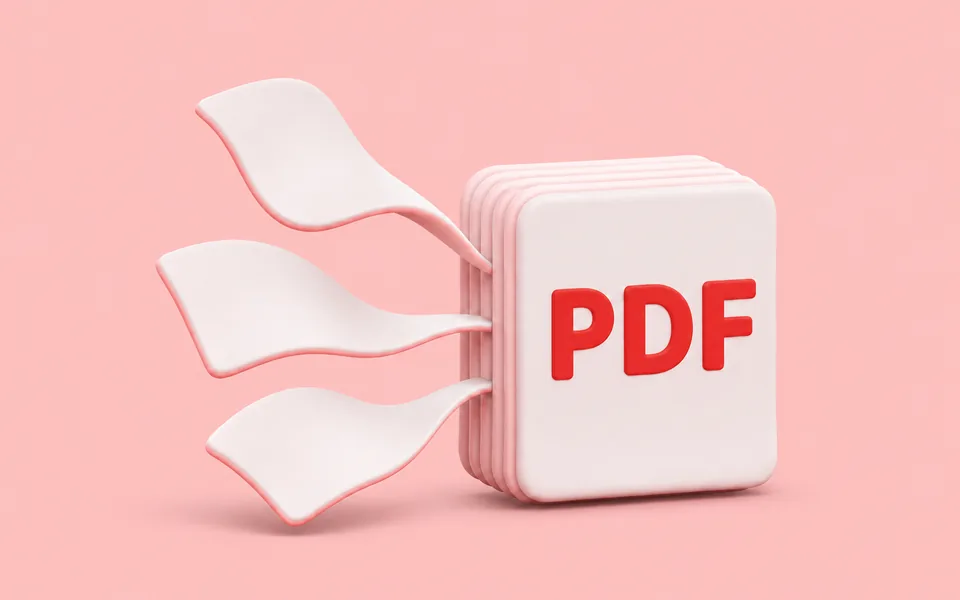
To split a PDF, add the file, choose Every page as its own PDF or Only the pages I choose, and press Split PDF. Everything runs in your browser, so the file is never uploaded.
- Drop the PDF on the box, or click it to choose it. The list shows how many pages it has.
- Choose the result you want.
- Press Split PDF. Separate pages download together as one ZIP file.
How to write the pages
| You type | You get |
|---|---|
| 3 | Page 3 only |
| 1-3 | Pages 1, 2 and 3 |
| 1-3, 7, 10-12 | Pages 1, 2, 3, 7, 10, 11 and 12 in one PDF |
| 5- | Page 5 to the last page |
Pages keep their original quality: nothing is re-compressed. To join files together again, use Merge PDF.
Questions
Is my file uploaded?
No. The PDF is split by your own browser on this device. Nothing is sent to a server.
How do I remove pages from a PDF?
Choose Only the pages I choose and type the pages you want to keep, for example 1-4, 6-10 to drop page 5.
Can I split a password-protected PDF?
No. Open it with the password in a PDF reader, save a copy without protection, then split that copy.
Why do I get a ZIP file?
When every page becomes its own PDF, they are packed into one ZIP so you download a single file. Double-click it to open the folder.